The group is gone before you finish reading
Build a local archive in advance to reduce the risk of losing information that was already synchronized.
Built for high-volume Telegram groups: sync messages and media while they are available, search locally by keyword, member and content type, then organize videos with categories, favorites, sorting and multi-view browsing.
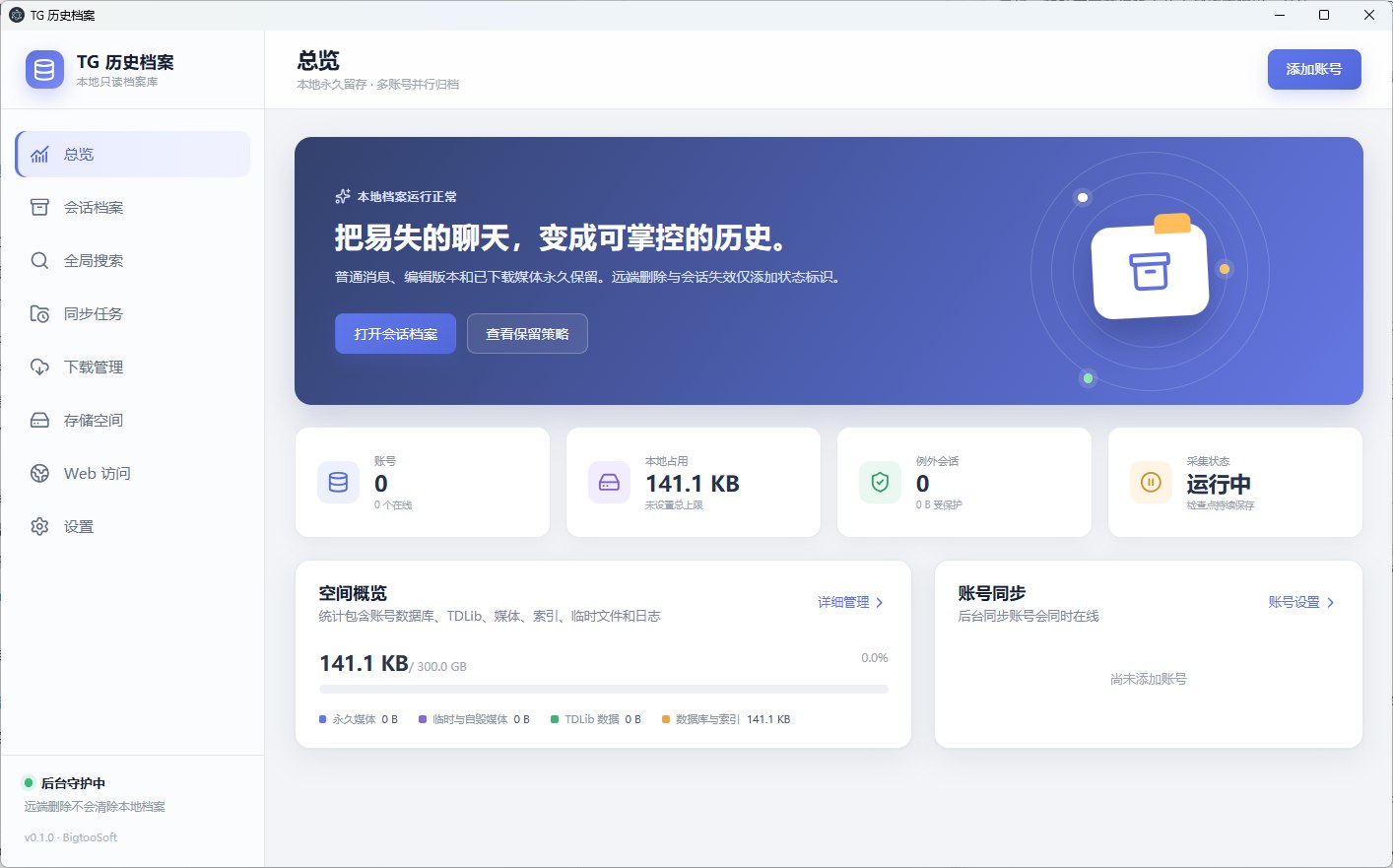
TG Chat History Manager is designed to sync conversations and selected media locally while a group is still accessible. If the group is later banned, deleted or unavailable, successfully synchronized text and downloaded files can remain searchable in the local archive. It cannot recover content that was never synchronized or downloaded.
The client is being built around four concrete problems: fragile access, limited search, member noise and increasingly difficult video organization.
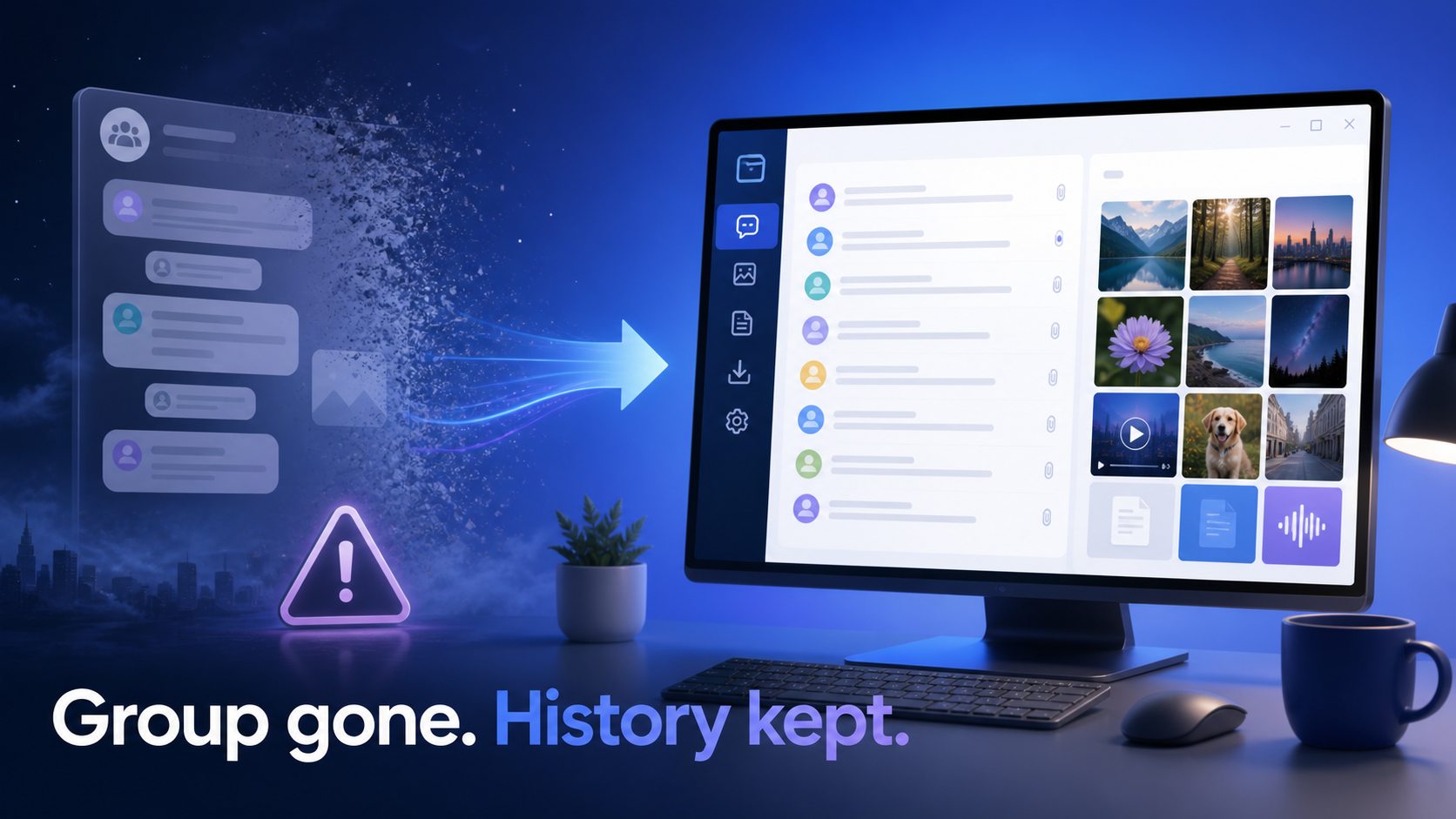
Build a local archive in advance to reduce the risk of losing information that was already synchronized.
Download media you need to retain, then organize it locally by conversation, type and favorite status.
Combine keywords, content types and member filters against a local index to narrow the result set.
Select multiple members and focus on their messages and media while filtering out unrelated activity.

The page separates what appears in the preview interface, what is actively being built and what is only planned. Status was reviewed on August 8, 2026.
The preview includes conversation archives, account sync and local storage management. The current design records remote deletion or session failure as status information.
Search text and media across archived conversations from one place instead of opening and scanning every group.
The goal is to select any combination of identifiable group members, not a short candidate list, and combine them with keywords and content types.
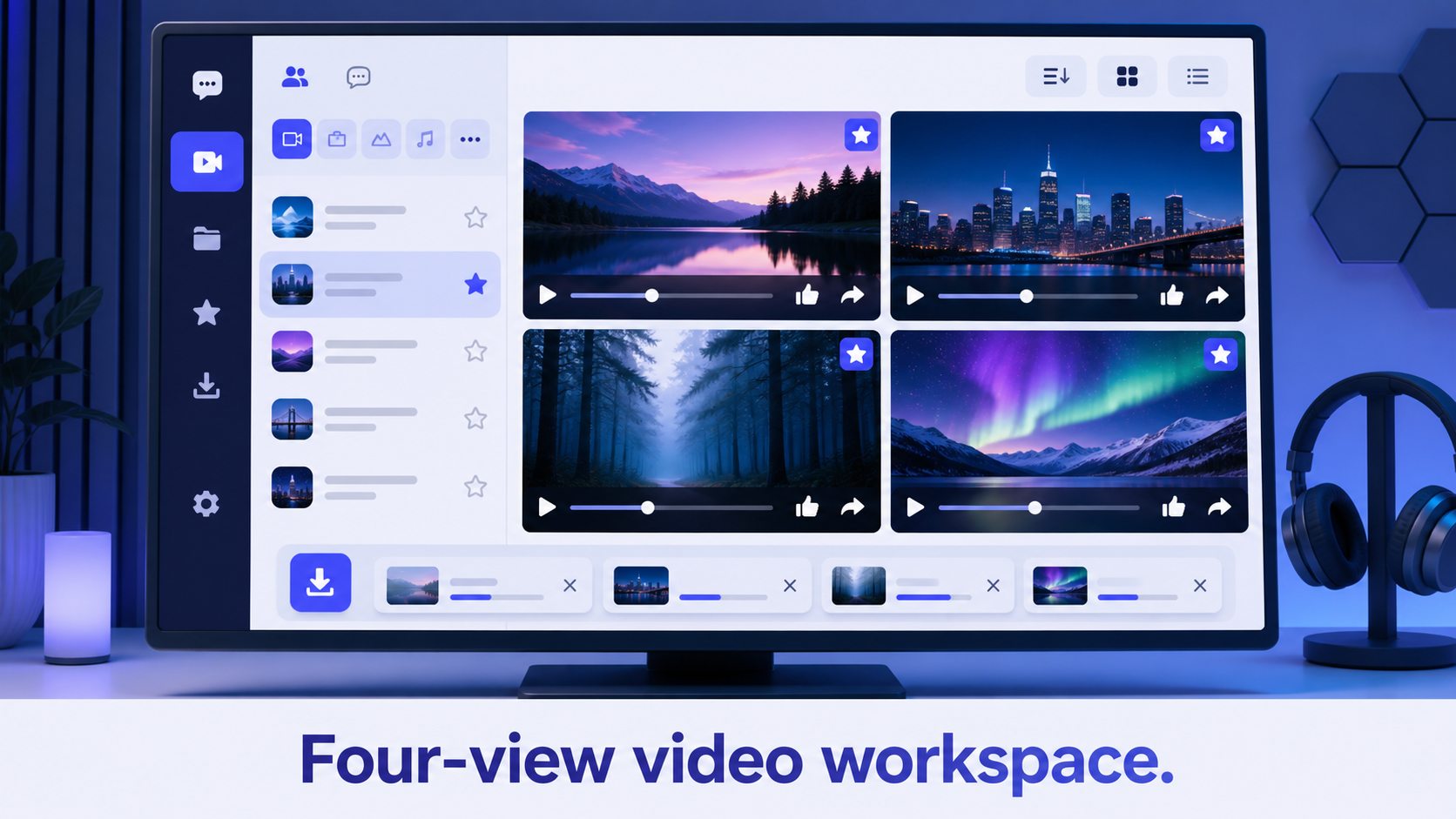
Manage downloaded videos in one workspace with quick browsing, categories, favorites and a four-view desktop preview.
Update and mark video like and reply counts, then switch between viewing and sorting modes.
A planned AI layer may summarize conversations and locate relevant messages, images and videos. It is not presented as available today.
The final onboarding steps will be retested and updated when the public build is available. This sequence reflects the current product design.
Add a Telegram account you are authorized to use and confirm the local storage location.
Choose groups or conversations to retain, synchronize the message index and download media when needed.
Use keywords, multiple members, media types, likes or reply conditions to locate content.
Categorize, favorite and sort videos in one library, then use multi-view mode for faster review.
The product is designed around a local read-only archive, but synchronization still connects to Telegram. A complete data handling and retention policy will be published before the public download.
This area is reserved for ongoing updates. When feature status, compatibility or public download conditions materially change, the visible copy and structured data should change together.
Dashboard, conversation archive, global search, sync tasks, download management, storage, Web access and settings modules appear in the v0.1.0 interface.
Complete multi-member filtering, media pre-download, categories, favorites, four-view browsing, like/reply updates and sorting.
Evaluate AI content understanding, mobile browsing, and the installation, update, privacy and support documentation required for release.
Last reviewed: 2026-08-08 · In-development features may change and are not a release commitment.
These answers distinguish synchronized local data, work in progress and release details that have not been announced.
Not yet. The client is approaching its first releasable build, but there is no public installer, price or final release date. Join the WeChat or Telegram community for development updates, or reserve an email notification for release.
Scan a QR code to join the WeChat or Telegram group. Links and QR images come from site configuration; incomplete entries never become broken links.
No. It can retain messages successfully synchronized while the group was accessible and media already downloaded locally. Content that was never synchronized or downloaded cannot be recreated.
That is a core capability in active development. The goal is to list identifiable archived members, allow multi-selection, and combine those filters with keywords and message or media types.
A completely downloaded file can remain manageable while the local file exists. Media that was incomplete or only referenced remotely may no longer be accessible.
No. AI analysis is planned, not a current capability. The intended direction is to summarize long discussions and help locate relevant messages, images and videos.
Four-view browsing is being developed for desktop. Mobile use is being evaluated through the Web access direction; the final support scope and performance requirements need release testing.
Choose by task: this product is for long-term archiving and management, while the downloader page and browser extension address individual media downloads.
We will add a public download after the installer, system requirements, privacy notice and core features pass testing. For now, review the roadmap or contact the team with your use case.
This independently developed product is not affiliated with or endorsed by Telegram FZ-LLC. Archive only content you are authorized to access and retain.